
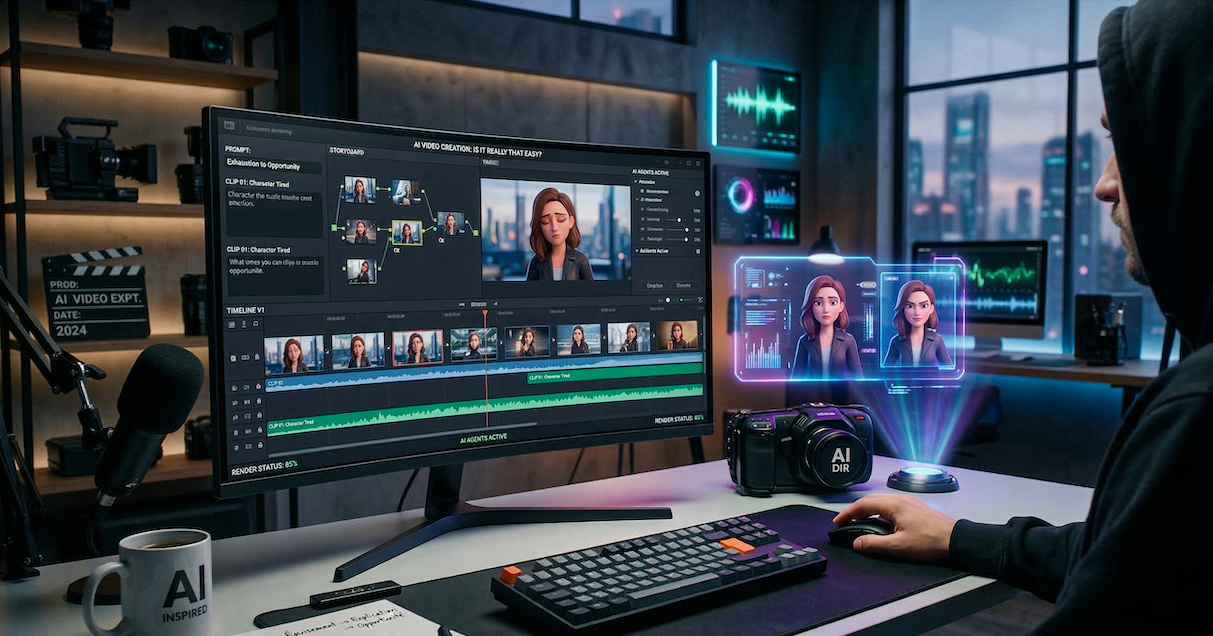
Many people believe AI Video Creation is a “magic button.” They think you click once and a short film appears. However, there is a massive gap between the marketing hype and the technical reality. Therefore, I decided to put it to the test. I created a video from scratch. The verdict? Here is what actually happens behind the scenes.
1. Storyboarding: From Ideas to (Controlled) Chaos
First, I structured my narrative using a classic 3-act emotional arc. This included Exhaustion, The Explanation, and finally, The Opportunity.
- The Strength: AI is an incredible partner for brainstorming raw ideas.
- The Weakness: However, it struggles with consistency. It is hard to keep the same style across frames.
- The Solution: Specifically, do not ask it to “make the storyboard.” Instead, use it to brainstorm camera angles. Afterward, you can manually curate the best ones for your project.
2. Scene Creation: The Consistency Challenge
Next, the process of AI Video Creation gets tricky. For instance, placing characters in a stable environment is an uphill battle. Consequently, I encountered several obstacles:
- Instability: Sudden shifts in lighting or background details.
- Fidelity: Characters changing clothes or facial features between shots.
- Scale: Issues with character sizing within the frame.
Pro Tip: Generate the empty environment first. Once the background is locked in, add your characters. This gives you far more control.
3. Video Generation: Guiding vs. Automated
Leaving the AI to do everything usually leads to mediocre results. Therefore, text prompts are rarely enough for a professional look.
The best results come from guiding the AI with two reference points. Specifically, use an Initial Image (Frame A) and an End Image (Frame B). By providing these anchors, you force the software to calculate motion correctly. Nevertheless, expect to regenerate scenes multiple times to get the exact look you want.
4. Audio: The Detail That Makes the Difference
Tools like Google Veo can generate audio natively. However, it often lacks natural nuance. For example, you might hear weird accents or intrusive music.
My Recipe for Premium Sound:
- Stem Splitting: Separate the vocals, ambient noise, and music tracks.
- Voice Processing: Use Cartesia to stabilize the vocal timbre.
- The Hybrid Approach: Furthermore, if the AI lacks emotion, record yourself first. Then, use AI to “skin” your voice. This allowed me to generate a perfect English voiceover.
- Music: Finally, I used Suno to create an original, copyright-free soundtrack.
5. Editing: The Final Touch
Once you have the scenes, voices, and music, traditional editing takes over. This stage is where you give the story its final rhythm. For more tips, check out my previous post on Post-Production Workflows.
Conclusion: AI as a Partner, Not a Replacement
In conclusion, AI Video Creation is a powerful tool for surreal visuals. However, it still hits a wall regarding precision.
Today, the best results come from a hybrid approach:
- AI for the Spectacular: Brainstorming, epic landscapes, and surreal effects.
- Humans for Direction: Framing, emotional consistency, and narrative structure.
The bottom line: AI hasn’t replaced the director. Instead, it has given them a magic wand that requires practice to master.
Leave a Reply